

4.8
Your notes as Markdown files you own.

Highlight a page and drop Markdown into your vault, not a vendor silo.
Best for students who already keep notes as files in obsidian
Reviewed 16 September 2026 · Prices checked the same day
4.7
14K reviews
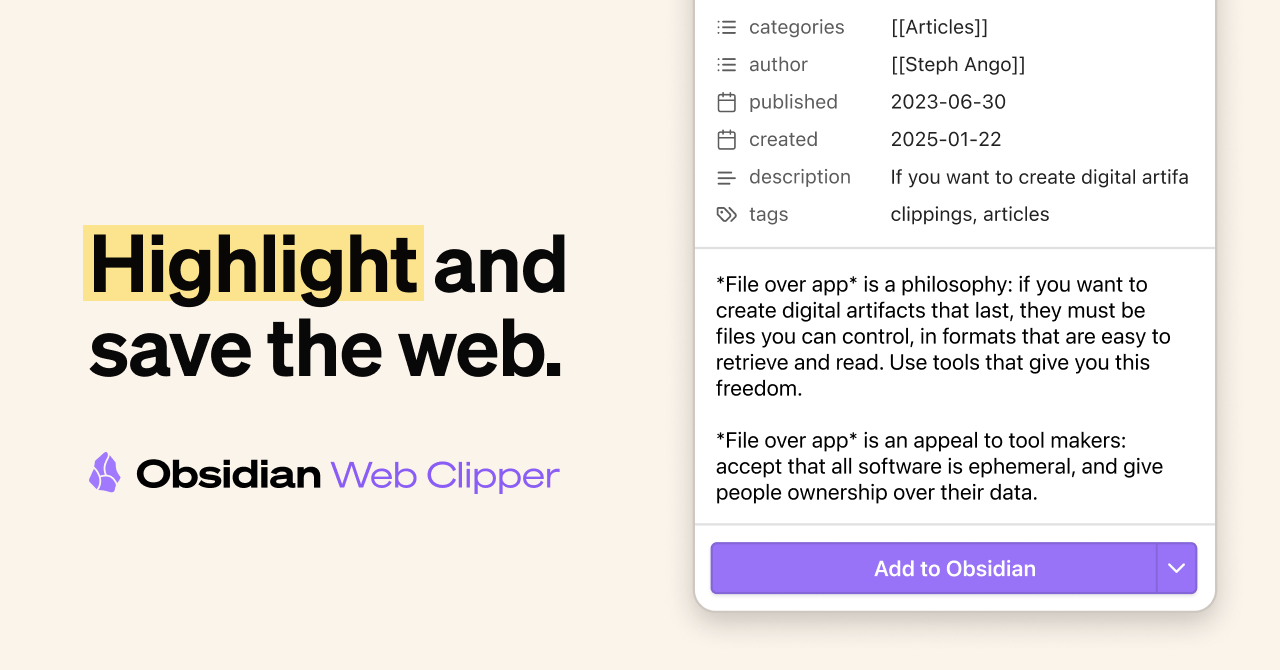
Obsidian’s official Web Clipper saves a page, a selection, or just the main article as Markdown in your vault. Highlights stay on the page when you return. It runs on Chrome, Firefox, Edge, and Safari (including iPhone and iPad).
Free. The catch is obvious: you need an Obsidian vault for the files to land in. Templates help on journals and blogs; they are extra work to set up.
Pricing
free
$0 for the extension
Free version
Full clipper. Obsidian itself is free for personal use.
Platforms
Chrome · Firefox · Safari · Edge
The right clipper if you already live in Obsidian. If you do not, install the notes app first and come back.
Checked 2026-09-16
| Model | Free |
|---|---|
| What free actually includes | Full clipper. Obsidian itself is free for personal use. |
| Cheapest paid tier | $0 for the extension |
| Student pricing | None published |
Links from StudyApps include ref=studyapps.
Full clipper. Obsidian itself is free for personal use. Checked 16 September 2026.
Cheapest paid plan: $0 for the extension. Prices checked 16 September 2026.
Students who already keep notes as files in Obsidian
Useless without an Obsidian vault
Your notes as Markdown files you own.
Send a page into a Notion database instead of a pile of bookmarks.

Highlight and comment on the live web, including many PDFs, with a class group if you need one.
